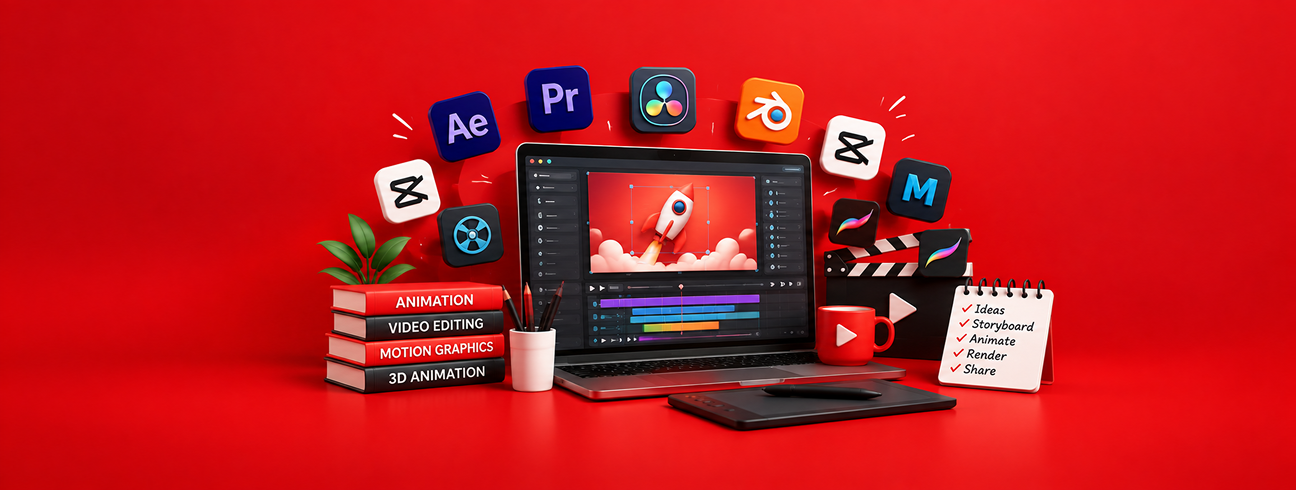
While free animation software has become more powerful in 2026, many creators and businesses still find that professional results require more than just tools. From concept development and storyboarding to animation, sound design, and final delivery, working with a full-service animation studio helps ensure consistency, quality, and scalability. These studios combine creative strategy with technical expertise, making them ideal for brands that want animations built for marketing, education, or long-term growth rather than experimentation alone.
 Modern Free Animation Software (2026)
1. Blender — Free 2D/3D Powerhouse
Blender remains the most powerful free and open-source animation suite for both 2D and 3D workflows. It supports modeling, rigging, sculpting, VFX, motion tracking, and an integrated non-linear video editor.
Best for: Professional animation, 3D character rigs, mixed 2D/3D projects
2. Synfig Studio — Automated Vector Animation
Synfig Studio is a free, vector-based 2D animation tool designed to create smooth animations with minimal frame-by-frame drawing. It has been updated for 2026 with improved vector controls.
Best for: Vector animation, cutout projects
3. Krita — Digital Painting + Animation
Krita is a powerful free raster art and 2D animation tool. Animators use it for frame-by-frame animation, rigging using layers, and detailed illustration workflows.
Best for: Hand-drawn animation and illustration
4. OpenToonz / Tahoma2D — Classic 2D Studio Toolkits

Free versions of the historic Toonz engine (used in major productions historically) are still actively used by independent animators. They include nodes, particles, and classic animation features.
Best for: Feature-style 2D animation and traditional workflows
5. Pencil2D — Traditional Frame-by-Frame
Pencil2D offers a simple, minimal interface focused purely on frame-by-frame 2D animation — ideal for beginners learning classic animation fundamentals.
Best for: Beginners and hand-drawn animation
6. Rive — Browser-Based Interactive Animation
Rive lets you create 2D interactive animations that can be exported for games, apps, or web. Its state machine logic makes it ideal for interactive UI/UX motion.
Best for: Interactive web/app animations
Emerging Free AI-Assisted Animation Tools
7. Animaker — AI-Enhanced Animation Creator
Animaker’s free plan gives access to AI-generated animation templates, AI text-to-speech lip-sync, and character motion generators — great for quick explainer videos.
Best for: Social media and educational videos
8. Renderforest — Cloud Animation & Templates
A browser-based tool with an AI template library that simplifies creating intros, animated logos, and short clips without installing software.
Best for: Marketing animation and intros
9. Linearity Move — Motion Graphics + Design
This free tool combines traditional and AI motion graphics, turning static visuals into animated assets with minimal effort.
Best for: Motion graphics and marketing animation
Other Notable Free Animation Tools
10. Glaxnimate — Cross-Platform Vector Animator

An open-source 2D vector animation tool integrated with popular video editors like Shotcut.
Best for: Vector animation integrated with editing
11. MikuMikuDance — Free 3D Animation for Characters

A classic freeware tool for character animation and simple 3D storytelling workflows.
Best for: Character animations and hobby projects
12. Art of Illusion — 3D Graphics + Animation
Free open-source 3D graphics software with modeling and rendering tools that also supports basic animations.
Best for: Beginners learning 3D modeling + animation
13. Flipaclip — Simple 2D Animation App

An easy-to-use animation app with intuitive tools suitable for short animations and exploratory projects.
Best for: Quick sketches and mobile-style animation
14. Stykz — Stick-Figure Animator
A lightweight free tool for stick-figure animation and basic keyframes — great for storytelling practice.
Best for: Storyboarding and simple motion design
15. Online & Browser Tools (Scratch, Canva)
While not traditional animation software, browser platforms like Scratch and Canva (animation features) provide free, beginner-friendly animation workflows.
Best for: Learners, classroom projects, quick social media posts
Note on Legacy Software
“ Adobe has announced that Adobe Animate will be discontinued by March 2026 , and users are encouraged to transition to other animation tools or Adobe’s newer ecosystems (like After Effects or Express).”
This means it’s no longer recommended for updated “free animation software” lists.
2026 Trends in Animation Tools
- AI-Assisted Animation: Tools now generate motion, lip-sync, and visual sequences from text or templates.
- Cross-Platform & Cloud: Browser-based tools allow collaboration and sharing without installation.
- Mixed 2D/3D Workflows: Blender and similar tools now blur the lines between 2D and 3D production.
- Interactive Motion: Rive and motion graphics tools now target UX/interactive design as much as film projects.
Skill Level |
Recommended Tools |
| Beginner | Pencil2D, Flipaclip, Scratch |
| Intermediate | Krita, OpenToonz/Tahoma2D, Rive |
| Advanced/Professional | Blender, AI Assisted Tools |
| Marketing & Social Animations | Animaker, Renderforest, Linearity Move |
Conclusion
Free animation tools are a great starting point, especially for learning and small projects. However, when animation needs to represent a brand, explain complex ideas, or drive real business results, relying solely on software can be limiting. Partnering with a full-service animation studio like Video Jeeves gives you access to experienced animators, storytellers, and production specialists who handle everything from ideation to final delivery. It’s a smarter choice for businesses looking for polished, purpose-driven animation that performs beyond visuals.